 ALLPCB


In today’s fast-paced retail environment, Point-of-Sale (POS) systems are the backbone of transactions, inventory management, and customer interactions. However, as these systems become more advanced, power consumption remains a critical concern for designers and engineers. How can you create a low power POS PCB design that maximizes efficiency without sacrificing performance? This blog post dives deep into optimizing power consumption in POS PCB designs through effective power management techniques, efficient component selection, and thermal management strategies. Whether you’re an engineer or a business owner looking to enhance your POS systems, this guide offers practical insights to help you achieve energy efficiency and reliability.
Why Power Consumption Matters in POS PCB Designs
POS systems are often running 24/7 in retail stores, restaurants, and other businesses. High power consumption not only increases operational costs but also generates excess heat, which can reduce the lifespan of components and lead to system failures. A well-optimized low power POS PCB design ensures longer device uptime, lower energy bills, and a smaller environmental footprint. Additionally, efficient power management can improve system reliability, which is crucial for maintaining smooth business operations during peak hours.
In this post, we’ll explore actionable strategies for reducing power usage in POS systems, focusing on design techniques and component choices that make a real difference. Let’s start by understanding the core principles of power management in PCB design.
Understanding Power Management Techniques for PCBs
Power management is the process of controlling and optimizing the energy usage of electronic devices. For POS systems, where battery life (in portable units) and heat dissipation are key concerns, effective power management techniques for PCBs can significantly enhance performance. Here are some proven methods to consider:
- Dynamic Voltage Scaling (DVS): This technique adjusts the voltage supplied to components based on their workload. For instance, during idle periods, the voltage can be reduced to save power. In a POS system, the processor might operate at 1.2V during low activity and scale up to 1.8V during high transaction volumes.
- Power Gating: This involves shutting off power to unused sections of the PCB. For example, if a POS system’s barcode scanner is inactive, power gating can disable that circuit, reducing overall consumption by up to 30% in some designs.
- Clock Gating: Similar to power gating, clock gating stops the clock signal to idle components, preventing unnecessary power draw. This can cut power usage by 10-20% in digital circuits commonly found in POS devices.
- Use of Low-Power Modes: Modern microcontrollers and processors often come with sleep or deep-sleep modes. Configuring a POS system to enter these modes during inactivity can reduce power draw to as low as 1-2 microamps compared to 10-20 milliamps in active mode.
Implementing these techniques requires careful planning during the design phase, but the payoff in energy savings and system longevity is worth the effort. Next, let’s look at how choosing the right components can further optimize power efficiency.
Efficient Component Selection for Low Power POS PCB Design
The components you choose for a POS PCB play a huge role in determining its power consumption. Efficient component selection is about balancing performance with energy use. Here are some tips to guide your choices:
- Low-Power Microcontrollers (MCUs): Opt for MCUs designed for low power operation. Many modern MCUs consume less than 1 microamp in sleep mode and offer multiple power states. For a POS system, this means the device can handle transactions efficiently while minimizing idle power draw.
- Energy-Efficient Displays: POS systems often include screens for customer or cashier interfaces. Choosing OLED or low-power LCD displays can reduce power usage by up to 40% compared to traditional backlit screens, especially when brightness is adjusted dynamically based on ambient light.
- Switching Regulators Over Linear Regulators: Switching regulators are more efficient (often 85-95% efficiency) compared to linear regulators (50-60% efficiency) when stepping down voltage. For a POS system running on 12V input but requiring 3.3V for components, a switching regulator can save significant power.
- Low-Leakage Capacitors and Resistors: Components with high leakage currents can drain power even when the system is idle. Selecting low-leakage alternatives can reduce standby power loss by 5-10%.
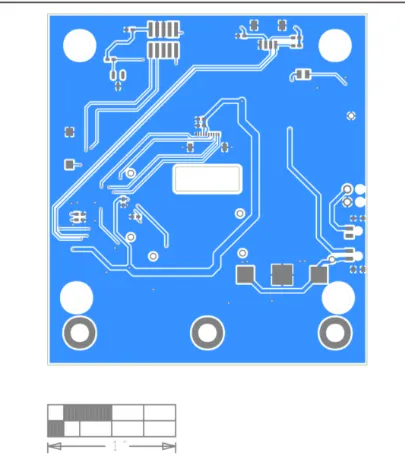
By prioritizing energy-efficient parts during the design process, you can build a POS system that performs well without wasting power. However, managing heat is just as important as selecting the right components, as excessive heat can undermine efficiency gains.
Thermal Management in POS Systems: Keeping Heat in Check
Thermal management in POS systems is critical because heat buildup can degrade components, reduce efficiency, and cause system crashes. As POS devices often operate in compact enclosures with limited airflow, designers must address heat dissipation proactively. Here are key strategies for effective thermal management:
- Heat Sinks and Thermal Pads: Attach heat sinks to high-power components like processors or power regulators to dissipate heat. Thermal pads can improve heat transfer between components and heat sinks, reducing temperatures by 10-15°C in some cases.
- PCB Layout Optimization: Place heat-generating components away from sensitive areas and near the edges of the board for better airflow. Ensure copper planes are used as thermal vias to conduct heat away from critical zones. A well-designed layout can lower peak temperatures by 5-10°C.
- Fanless Cooling Designs: For silent operation in retail environments, consider fanless cooling using larger heat sinks or enclosure materials that double as heat dissipators. This approach can maintain temperatures below 60°C even under heavy load.
- Temperature Monitoring: Integrate thermal sensors into the PCB design to monitor temperature in real-time. If temperatures exceed 85°C (a common threshold for many components), the system can throttle performance or enter a low-power mode to cool down.
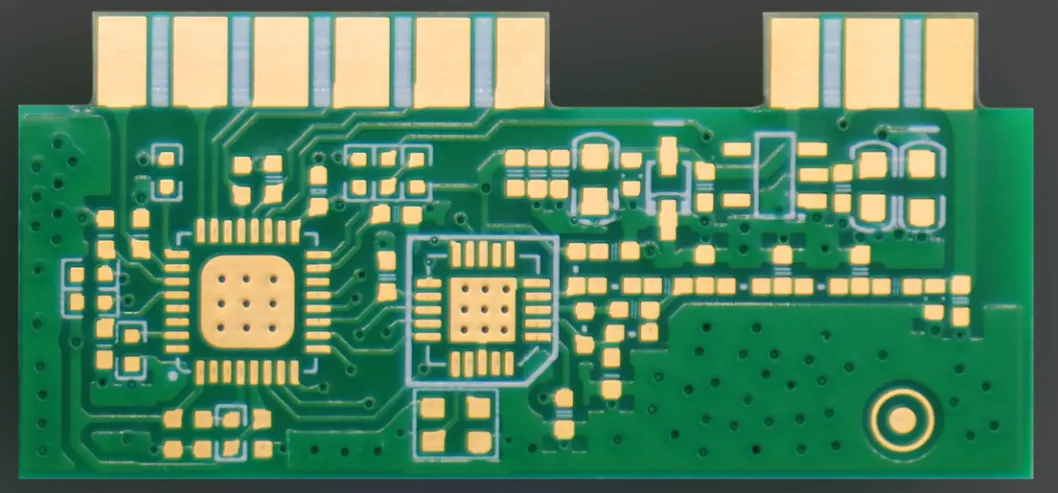
Effective thermal management not only protects the system but also indirectly reduces power consumption by preventing efficiency losses due to overheating. To fully understand and optimize power usage, though, a detailed power consumption analysis is essential.
Power Consumption Analysis: Measuring and Improving Efficiency
Power consumption analysis is the process of measuring how much energy a POS system uses under different conditions. This data helps identify inefficiencies and guides design improvements. Here’s how to approach it:
- Use Power Profiling Tools: Tools like digital multimeters or specialized power analyzers can measure current and voltage across different PCB sections. For a POS system, you might find that the display consumes 500mW during active use but only 50mW in standby mode, highlighting areas for optimization.
- Simulate Real-World Usage: Test the POS system under typical operating conditions, such as processing 100 transactions per hour, to get accurate power consumption data. Compare this to idle states to see where power is wasted.
- Analyze Power Distribution: Map out how power is distributed across components. If a peripheral like a card reader draws 200mW continuously even when unused, consider adding a power gating circuit to disable it during idle periods.
- Benchmark Against Standards: Compare your design’s power usage to industry standards or similar devices. If your POS system consumes 5W in active mode while competitors average 3W, revisit component selection or power management settings.
Regular power consumption analysis ensures that your POS PCB design remains efficient as hardware or software updates are made. It also helps validate the impact of low-power techniques and thermal management strategies over time.
Practical Tips for Implementing Low Power POS PCB Designs
Now that we’ve covered the key areas of power optimization, here are some additional practical tips to bring it all together in your low power POS PCB design:
- Start with a Power Budget: Before designing, set a target power consumption (e.g., 3W for active mode, 0.5W for standby) and allocate power to each subsystem. This keeps your design focused on efficiency from the start.
- Iterate and Test: Build prototypes and test them under real-world conditions. Measure power draw and heat output, then refine the design based on findings. Even a 10% reduction in power usage can add up over thousands of operating hours.
- Leverage Software Optimization: Beyond hardware, software plays a role in power management. Optimize firmware to minimize CPU wake-ups or reduce screen refresh rates, potentially saving 5-15% of power.
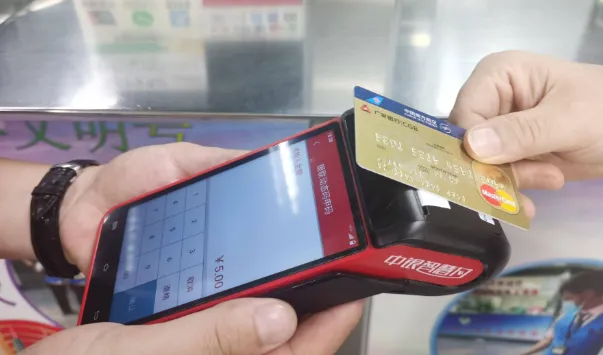
- Consider Battery-Powered Designs: For portable POS systems, prioritize ultra-low power components and efficient battery management systems to extend runtime. A well-designed system might achieve 12-16 hours of operation on a single charge.
Conclusion: Building Smarter, More Efficient POS Systems
Optimizing power consumption in Point-of-Sale PCB designs is not just about cutting costs—it’s about creating reliable, long-lasting systems that perform well in demanding environments. By applying power management techniques for PCBs, focusing on efficient component selection, prioritizing thermal management in POS systems, and conducting thorough power consumption analysis, you can build a low power POS PCB design that meets modern energy efficiency standards.
At ALLPCB, we’re committed to helping engineers and businesses bring their innovative designs to life with high-quality manufacturing and assembly services. Whether you’re working on a new POS system or upgrading an existing one, these strategies can help you achieve better efficiency and performance. Start implementing these tips in your next project and see the difference a power-optimized design can make.





