How to change the PCB overview by EAGLE?
Published on 12/7/2016 6:24:53 PM
Description
I've made some modifications to the components in schematic overview but these components are still in the PCB view.How to deal with that?
21
comment
All comments
 Unknown
2043
0
21
Rules about cashback: 1. Valid time: ALLPCB cashback activity will end on April 1st. 2. Capped amount: The capped amount of cashback for each account is $5,000. Each order can get a maximum of $2,000 cashback. That means every author can get $5,000 max. 3. Cashback range: The cashback activity only covers the corresponding PCB order. The order amount for other combined payment products will be invalid. 4. Clicking your own promotional link will be invalid. The same email address, shipping address, contact information, and phone number are all recognized as the same account. 5. ALLPCB has the final interpretation right of the cashback activity.
ALLPCB will donate 2% to the author for this promotion link.
Other Projects
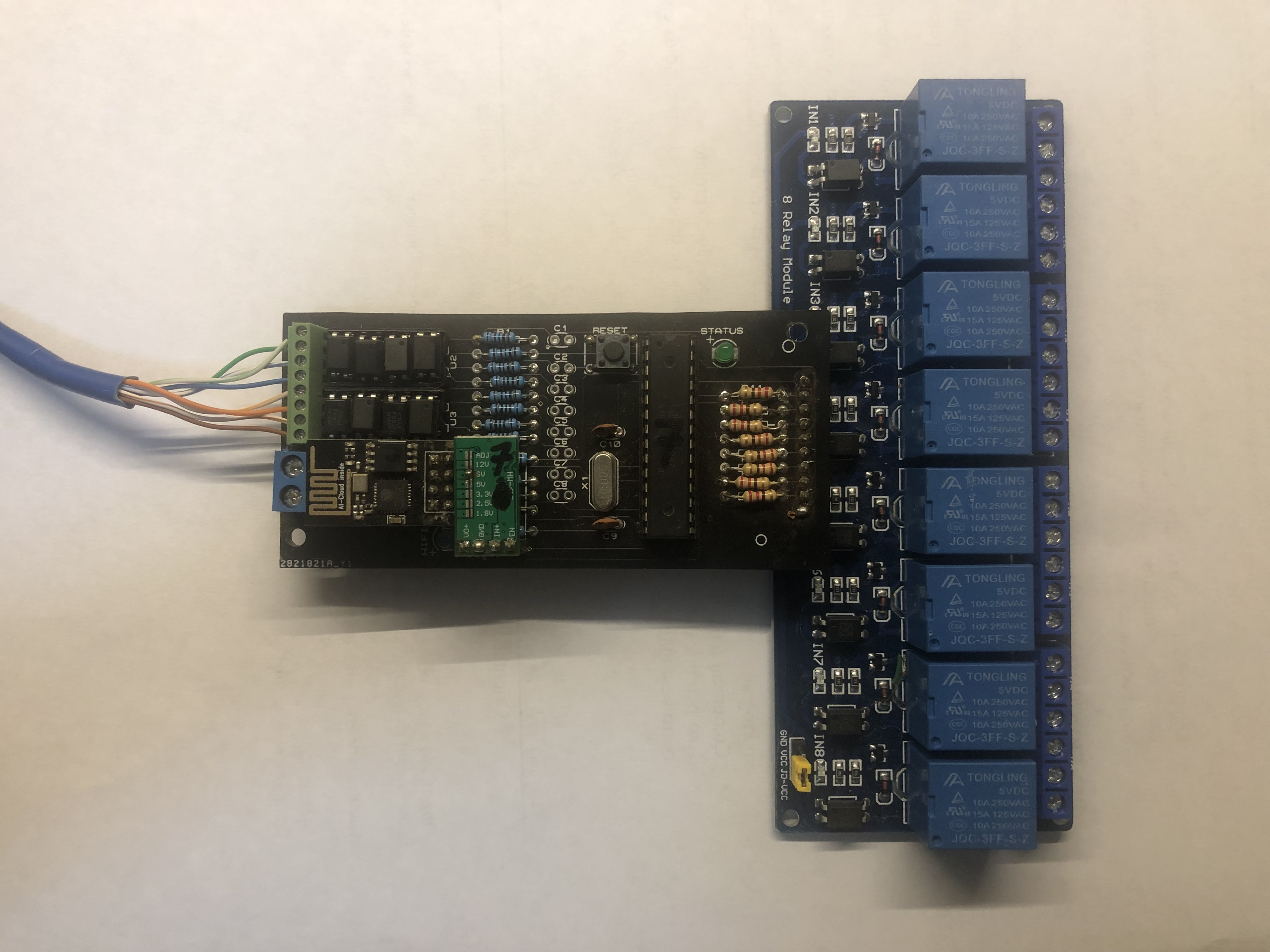
Home / Industrial Automation low Cost with Arduino an ESP01
3438
0
314
 josemarjr


