ALLPCB


Overview
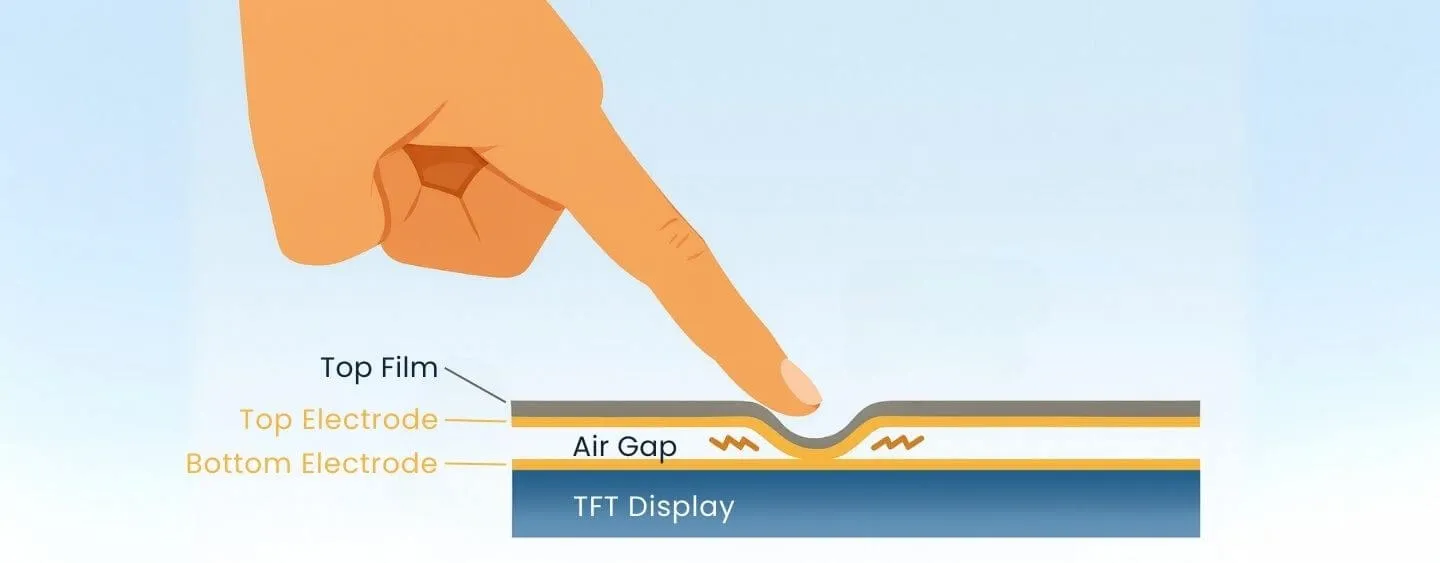
Touchscreen failure can originate from either the outer (digitizer) or inner (display module) screen. Determining the cause requires inspection and testing. Commonly, if only a portion or a specific area is unresponsive, the outer screen is likely at fault. If the entire screen does not respond to touch, the inner screen or its connections may be the cause. These are typical patterns but not definitive in every case.
Potential Impacts
- Operational difficulty: Users cannot perform touch-based actions such as typing, swiping, or tapping, preventing normal device use.
- Limited functionality: Features that rely on touch gestures may stop working, such as pinch-to-zoom or gesture-based volume control.
- Impaired input: Text entry and option selection become slower and less accurate, affecting messaging, browsing, and document editing.
- Degraded user experience: Touch is a primary interaction method for modern devices, so failures reduce overall usability and satisfaction.
- Possible unintended actions: Erroneous inputs may occur, for example triggering incorrect operations or opening unintended apps or links.
Repair and Recovery Options
Touch issues can often be resolved through software adjustments, screen calibration, or repair.
Troubleshooting Steps
- Clean the screen: Ensure the surface is free of dirt, grease, or moisture, then retest.
- Restart the device: Rebooting can resolve software-related touch issues.
- Update the system and apps: Make sure the operating system and related applications are up to date, since older software can cause stability issues.
- If the above steps do not help, contact an after-sales service center or a professional repair technician for further diagnosis and repair.