ALLPCB


Overview
This article summarizes insights from Google senior designer Jean Denis, who joined the Cardboard team in 2015 and moved from traditional Internet product design to VR product design. The following captures his key observations and practical advice.
What to expect when switching to VR
- Sketching is central. During brainstorming and design phases, sketching remains the most efficient method. After moving into VR design, you may sketch more than during the rest of your career.
- Learn many design techniques. Any additional design skills will help when designing VR products.
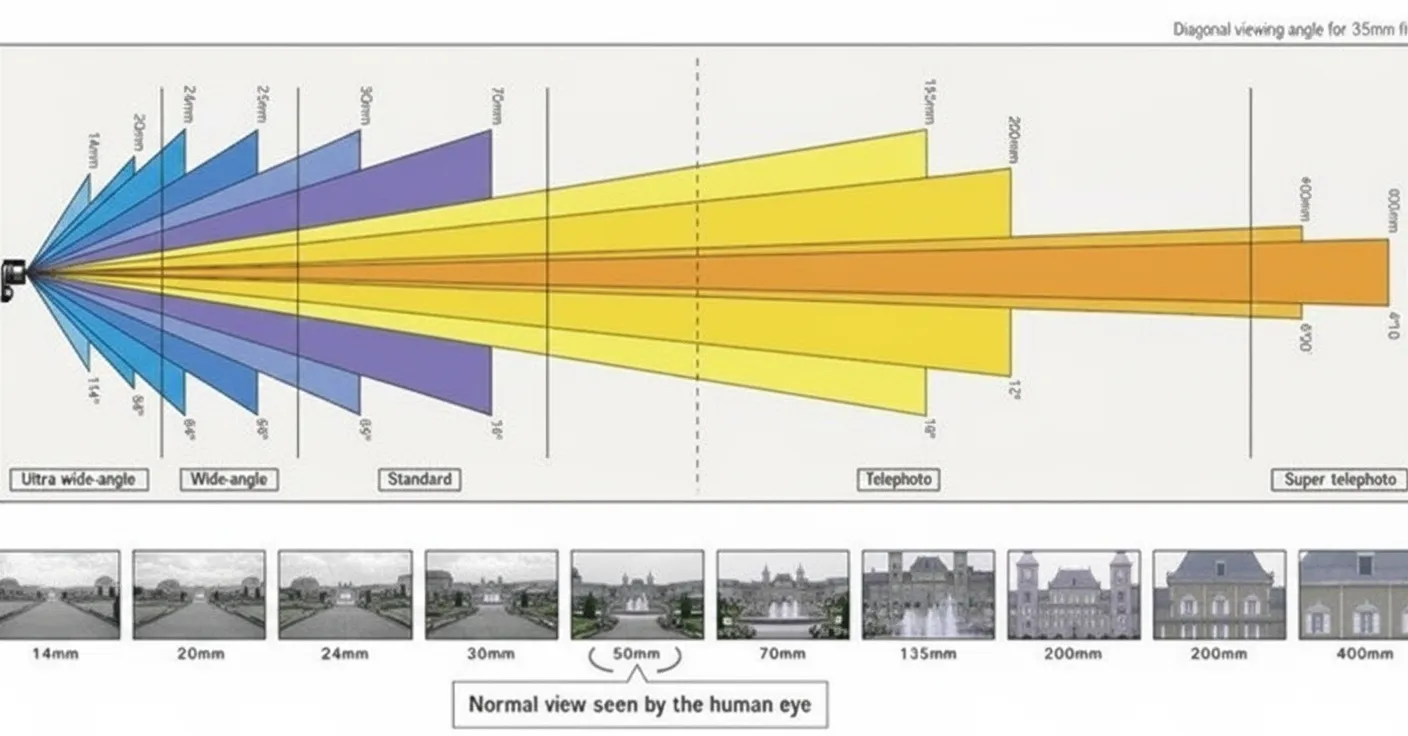
- Photography and optics are important. You will frequently deal with field of view, depth of field, caustics, exposure, and other photographic concepts. Knowledge of optics and photography is a significant advantage.
- Use 3D tools. The more 3D tools you know, the fewer new skills you need to learn on the fly. VR projects can require knowledge from domains such as architecture, characters, props, rigging, UV mapping, texturing, physics, and particle systems.
- Motion design matters. In traditional product design we often design for devices with clear physical boundaries. VR has no fixed boundaries, so interaction and motion considerations differ. How elements appear and disappear requires new thinking.
- Some technical knowledge pays off. Languages like Python, C#, and C++ can help you understand how design maps to implementation. VR is a young field and often requires building novel interactions, so knowledge of engines such as Unity and Unreal Engine 4 and active developer communities can be a big help.
- Stay curious and embrace the unknown. VR evolves rapidly; even large companies are experimenting. Maintain curiosity and be prepared to learn and adapt fast.
1. Team roles
VR opens many new possibilities, and product design teams will evolve accordingly. Two important aspects are:
- Core UX, UI, and interaction design. These roles remain similar to traditional product teams: visual design, UI, UX, motion, user research, and prototyping. Each role must adapt to VR design principles and work closely with engineers. The goal remains fast iteration and exploring new design possibilities.
- Content teams will follow patterns similar to independent game studios, ranging from unique experiences to high-production AAA titles. Like other entertainment industries, VR requires creating high-quality end-to-end experiences.
Overall, transitioning to VR design is not fundamentally different from other design transitions, but it does require sustained effort to learn a wide range of domain knowledge.
2. VR design fundamentals
Basic rules
This section outlines foundational VR design concepts with a product-centered focus and plain language.
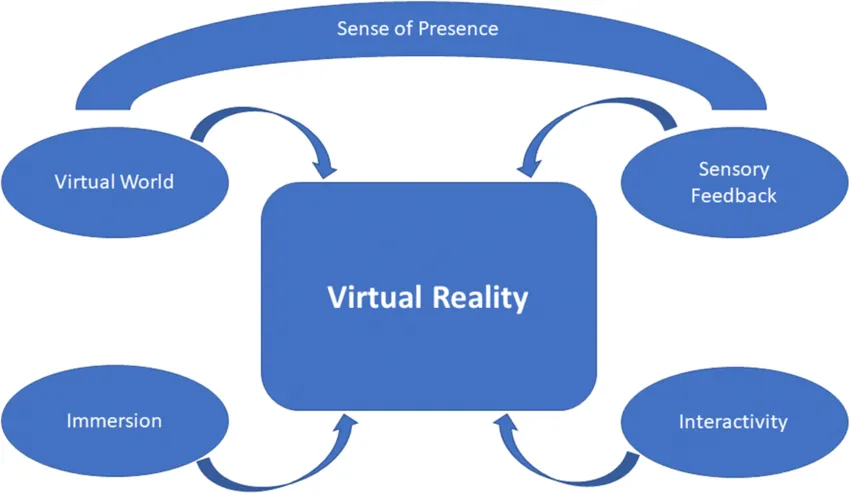
Two of the most important new elements in VR design are the added dimension and immersion. Follow physiological constraints, start from user scenarios, and carefully evaluate each interaction type. Google has consolidated many of these principles into an app called Cardboard Design Lab, available on Google Play.
For a deeper discussion, see the relevant Google I/O talks. Two key guiding principles are:
- Never drop frames.
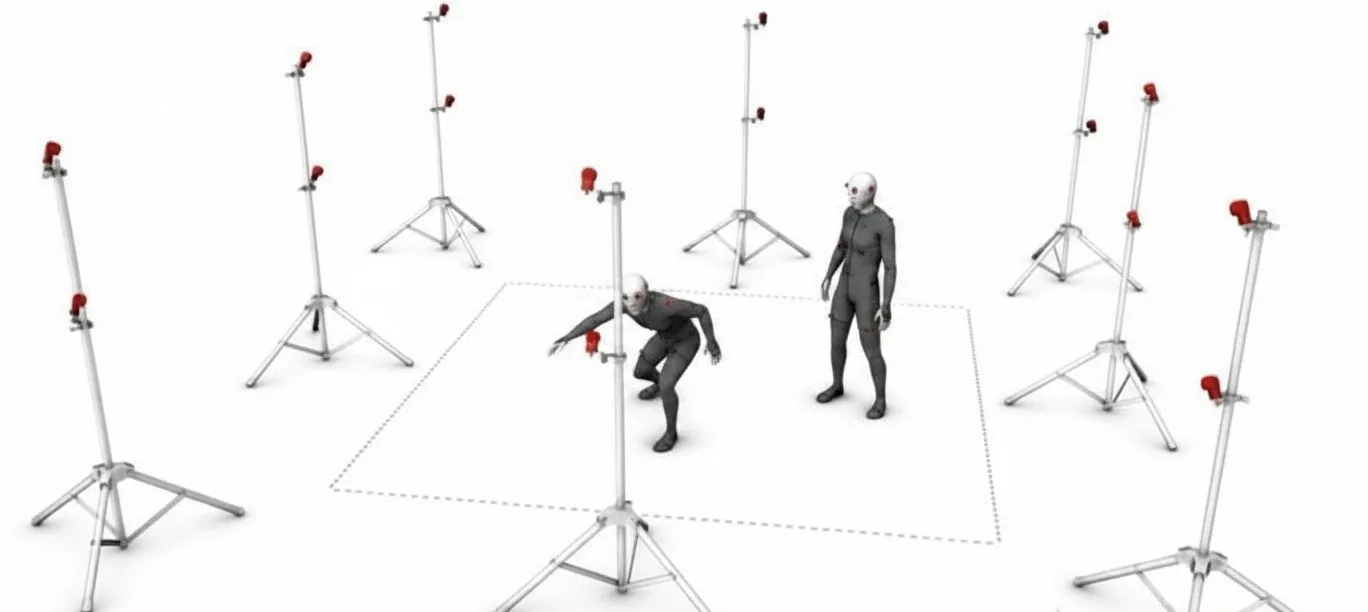
- Maintain robust head tracking.
Humans react instinctively to certain external events, and these instinctive responses are easy to overlook in design. The design should proactively address such reactions.
Comfort considerations
- Physiological comfort. The most well-known issue is motion sickness. Use acceleration and deceleration carefully and keep the user's gaze stable where possible.
- Environmental comfort. Users may feel discomfort in specific scenarios, such as heights (acrophobia), confined spaces (claustrophobia), or vast open areas. Consider object scale and avoid collisions. For example, if someone throws a rock toward the user, the user may instinctively dodge or grab it. Design to use these instincts as strengths, not liabilities.
You can leverage sensory cues to enhance immersion. Examples from games include 3D positional audio and lighting cues that guide the user's gaze.
Avoid excessive fatigue. A common mistake by VR newcomers is creating interactions that conflict with ergonomics. For instance, prolonged mid-air gesture input as often depicted in sci-fi films is not suitable for extended use.
The diagram below illustrates a safe head-motion region in a 2D coordinate system: green indicates comfortable, yellow is marginally acceptable, and red should be avoided.
Poor design can cause severe problems. For example, research in neurosurgery and spine surgery shows that head rotation to different positions imposes varying loads on the neck. Moving the head from a neutral forward-facing position to looking down can increase neck load by 440%. Muscles and ligaments may fatigue and ache; nerves can be stretched; cartilage can be compressed. These behaviors can lead to chronic conditions and, in extreme cases, permanent nerve damage.