ALLPCB


Overview
Since early this year, VR has attracted increasing attention from users. Although few people use these devices in everyday life, discussions about VR are widespread. To avoid confusion when checking specifications or discussing VR topics, it helps to understand common technical terms. This article explains several frequently used VR terms to improve understanding.
VR
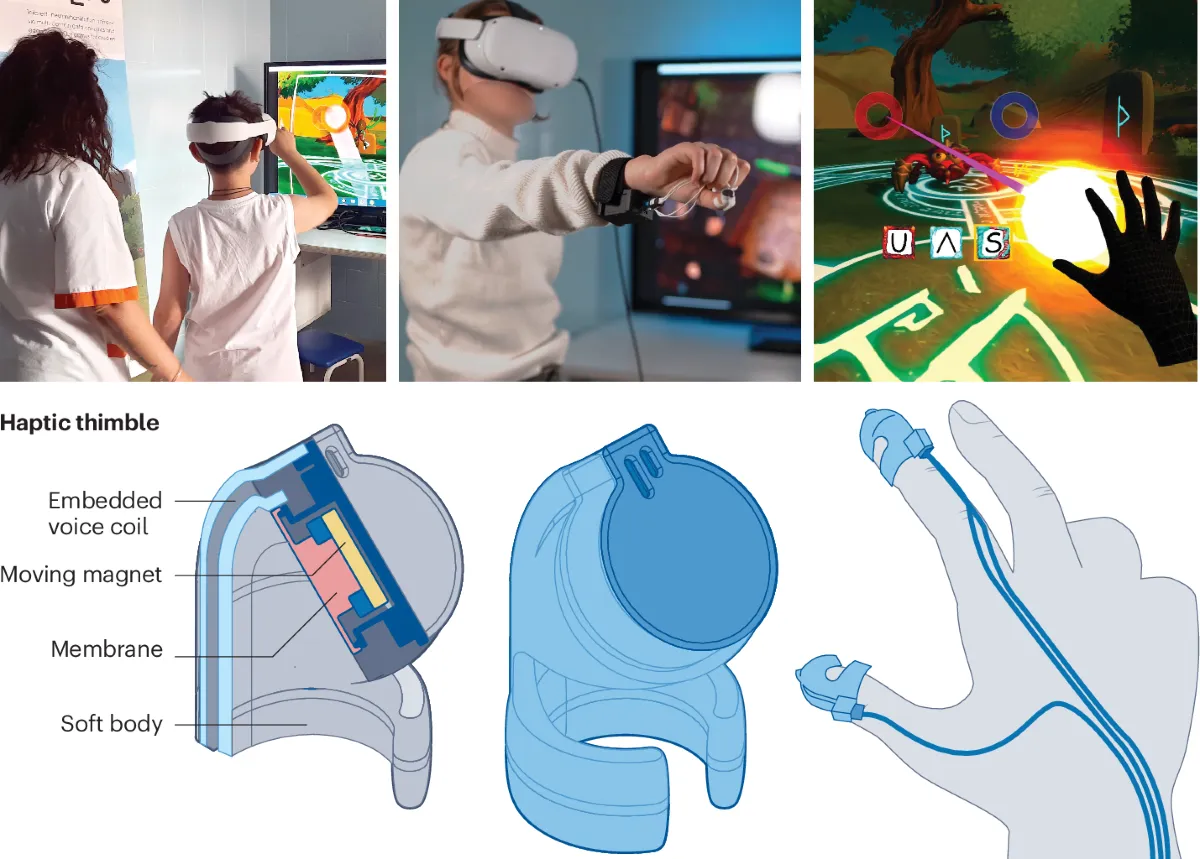
VR is short for Virtual Reality. It creates a 360-degree immersive virtual environment using computer graphics systems and a head-mounted device. Users interact with the environment through sensors or other accessories, producing sensory experiences that differ from reality. Because the experience can feel very convincing, the technology is sometimes described in terms of presence. A video can help illustrate the experience of wearing a VR headset.
The concept was first proposed in the 1980s by Jaron Lanier, founder of VPL. The technology gained attention in the early 1990s but lost momentum due to technical limitations. Interest revived after Oculus was acquired by Facebook for $2 billion, which drew renewed investment into the market.
FOV
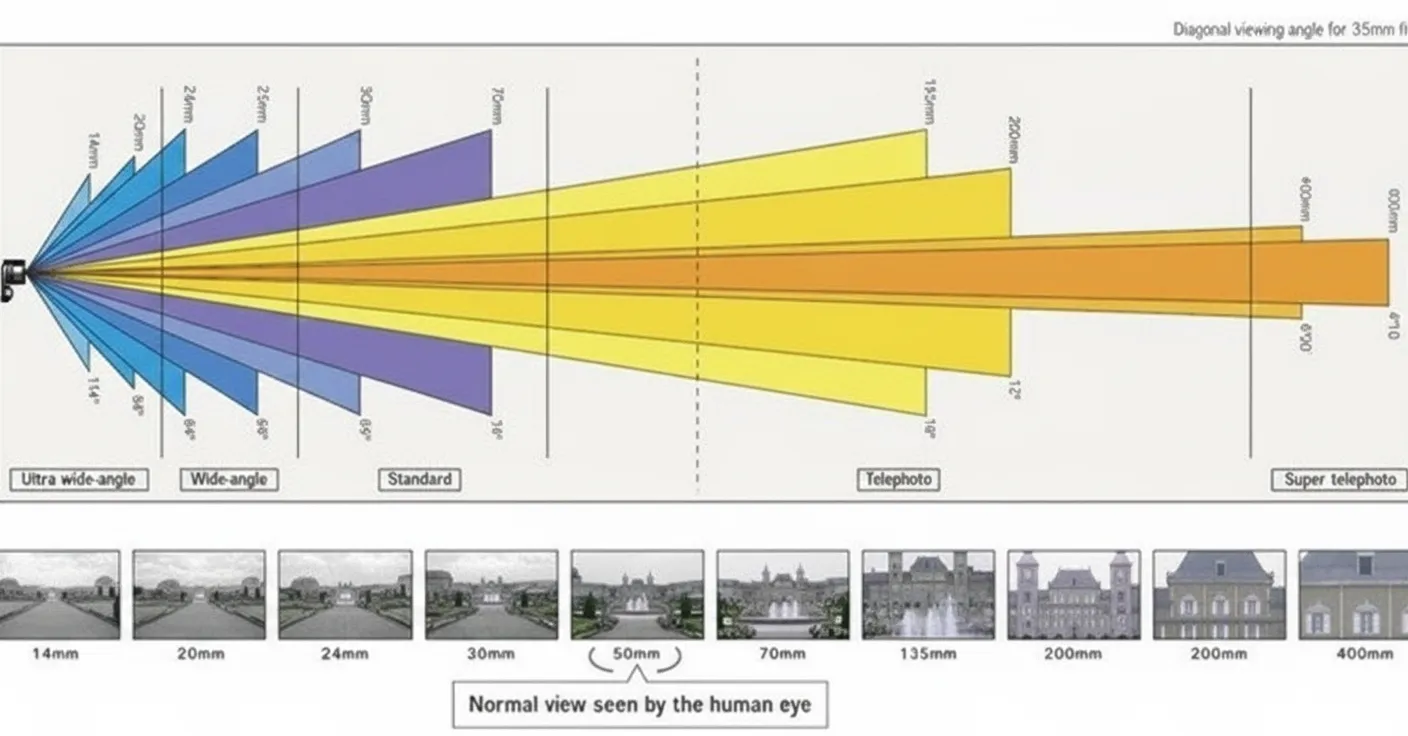
FOV, or field of view, is a common specification on both mobile VR and PC VR devices. In optical instruments, FOV is defined as the angle between the two extreme rays from the lens vertex that still include the object image. The size of the field of view determines the visible area of the optical system: a larger FOV yields a wider view and a lower optical magnification. In display systems, FOV refers to the angle formed between the display edges and the observer's eye.
From a user experience perspective, a larger FOV generally reduces motion discomfort and increases immersion, which is noticeable in first-person games such as shooters. For PC VR headsets, choosing a larger FOV can improve immersion. For mobile VR, however, an excessively large FOV combined with a small phone screen can reveal the phone bezel during use, reducing immersion. When selecting a mobile VR solution, consider both your phone's screen size and the device's FOV specification.