ALLPCB


Overview
A Raspberry Pi AI kit provides an affordable and straightforward way to add AI compute to a Raspberry Pi 5. The Raspberry Pi Foundation released an AI kit for the Pi 5, but availability is limited. At the time of writing, stock was found on Amazon and on a Chicago electronics vendor website.
Key points from ZDNET
The kit is an easy method to add AI compute to a Raspberry Pi 5. Thermal management is required to avoid overheating.
What the kit contains
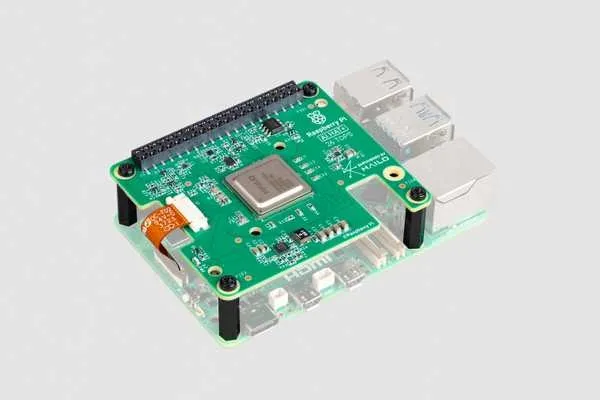
The kit includes a Raspberry Pi M.2 HAT+ with an M.2 2242 board preinstalled, featuring a Hailo 8L AI chip. The Hailo 8L neural processing unit (NPU) is rated at up to 13 TOPS. The M.2 HAT+ form factor supports various M.2 accessories, including storage and AI accelerator boards.
Hardware and installation
The NPU is preinstalled on the HAT+ board. A thermal pad is placed between the two boards to dissipate heat generated by the NPU. The two boards can be separated, but doing so requires a replacement thermal pad.
Installing the board is straightforward. You need a Raspberry Pi 5 board. If an M.2 HAT+ is already installed, remove it to make room for the new M.2 board to ensure the thermal pad seating is correct.
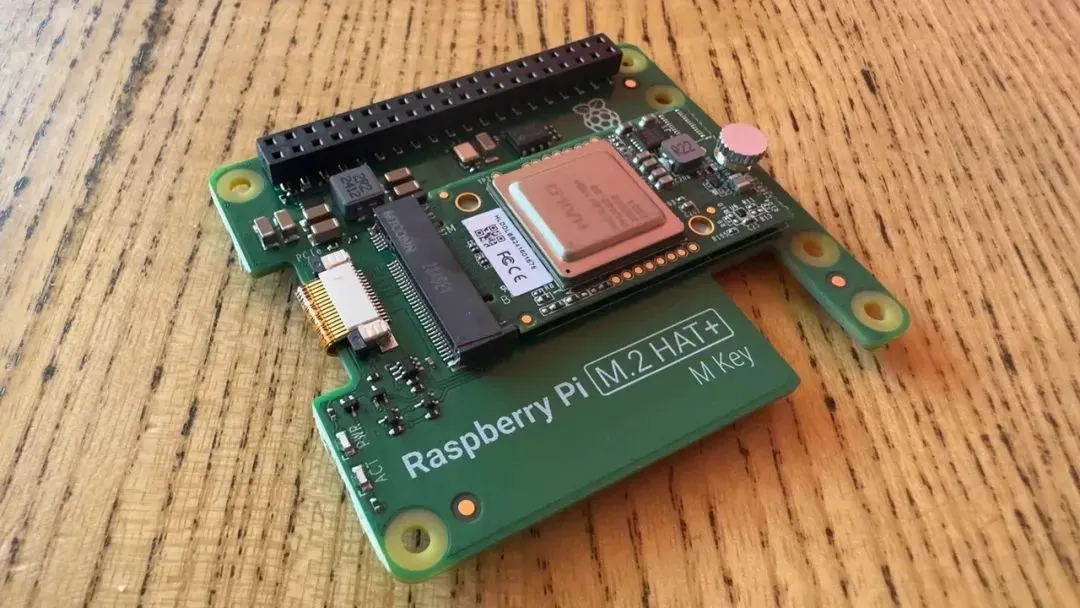
I did not want to disturb the thermal pad between the Hailo 8L AI NPU and the M.2 HAT+. — Adrian Kingsley-Hughes/ZDNET
The kit includes the AI board, a GPIO stacking header, spacers, and screws required for a secure installation.
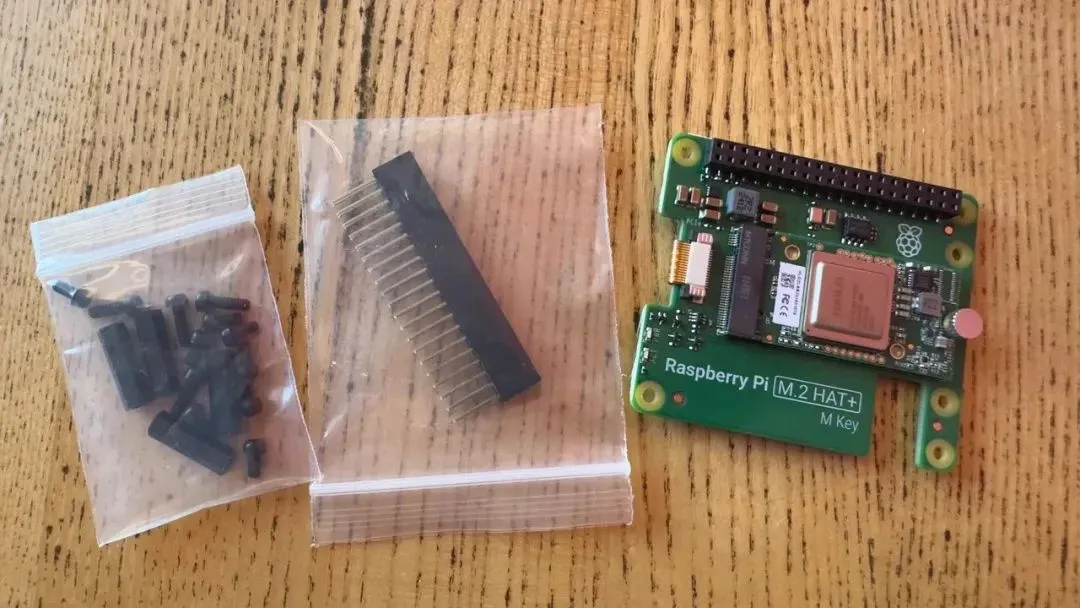
Everything needed to install the Raspberry Pi AI kit. — Adrian Kingsley-Hughes/ZDNET
A small ribbon cable connects the AI board to the PCI Express interface. These ribbon cables and their connectors are fairly robust, but handle them carefully.
Connecting a fast M.2 accessory
To connect the ribbon cable correctly, gently pull up the tabs on both sides using a fingernail or a plastic tool. When inserting the cable, the copper contacts should face inward. After insertion, push down the cable retainers on both sides to secure the ribbon cable.
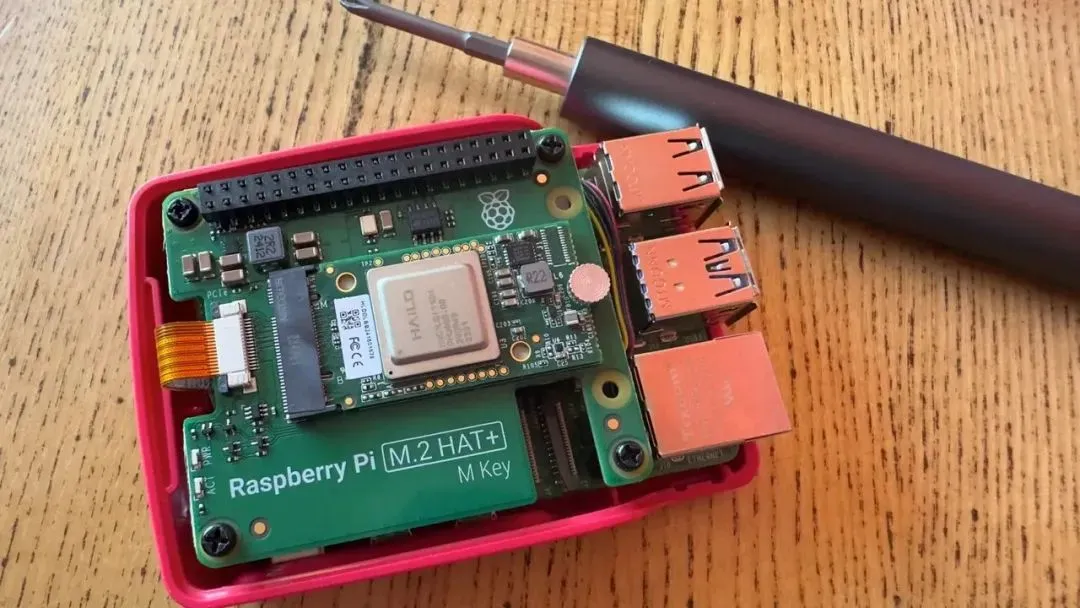
The AI board is installed on the Pi 5 and fitted into a compact enclosure. — Adrian Kingsley-Hughes/ZDNET
Thermal considerations
The AI board generates substantial heat. The design relies on thermal management between the two boards. Using an active cooling solution is recommended because the Raspberry Pi 5 and the Hailo 8L NPU both produce significant heat. Improving airflow between the boards helps control temperature and maintain performance.
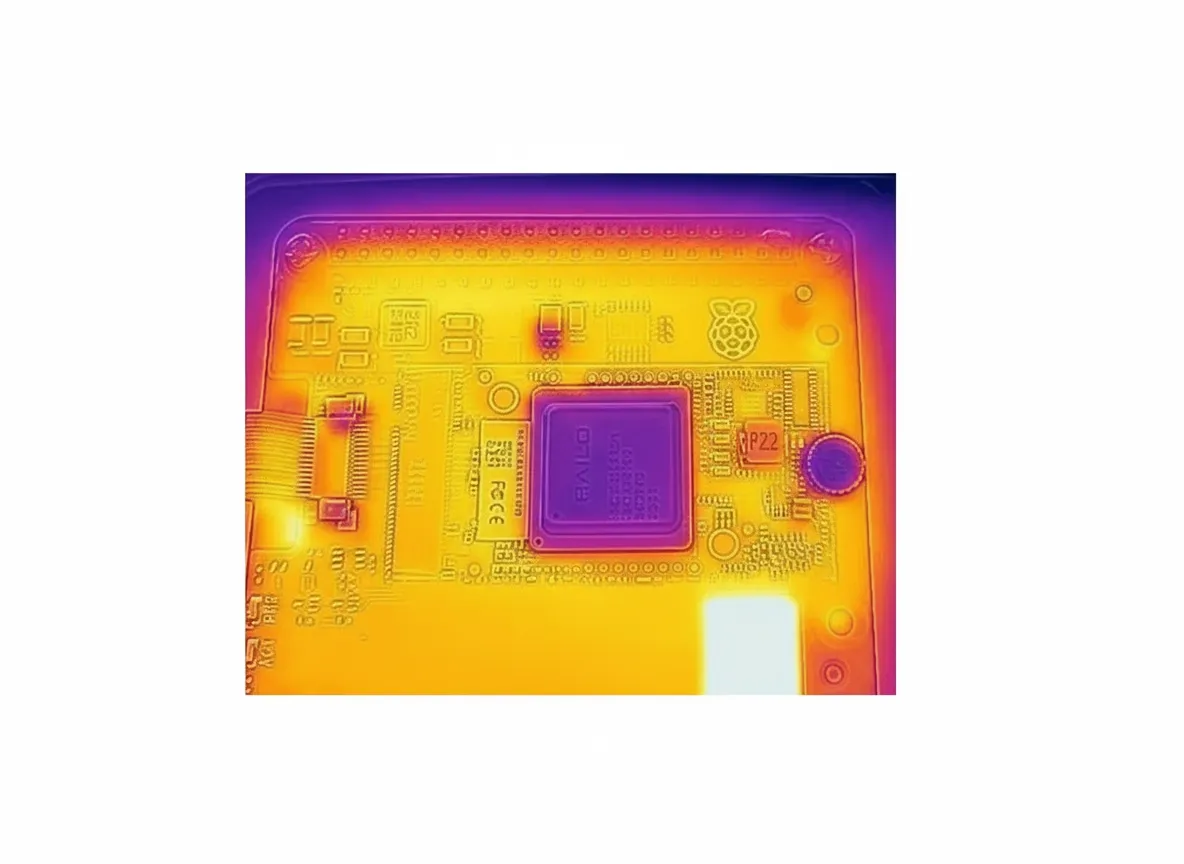
Heat dissipation is handled between the two boards. — Adrian Kingsley-Hughes/ZDNET
Software setup
After completing the hardware connections, insert a microSD card containing the latest Raspberry Pi Bookworm operating system into the Pi 5 and boot the system.
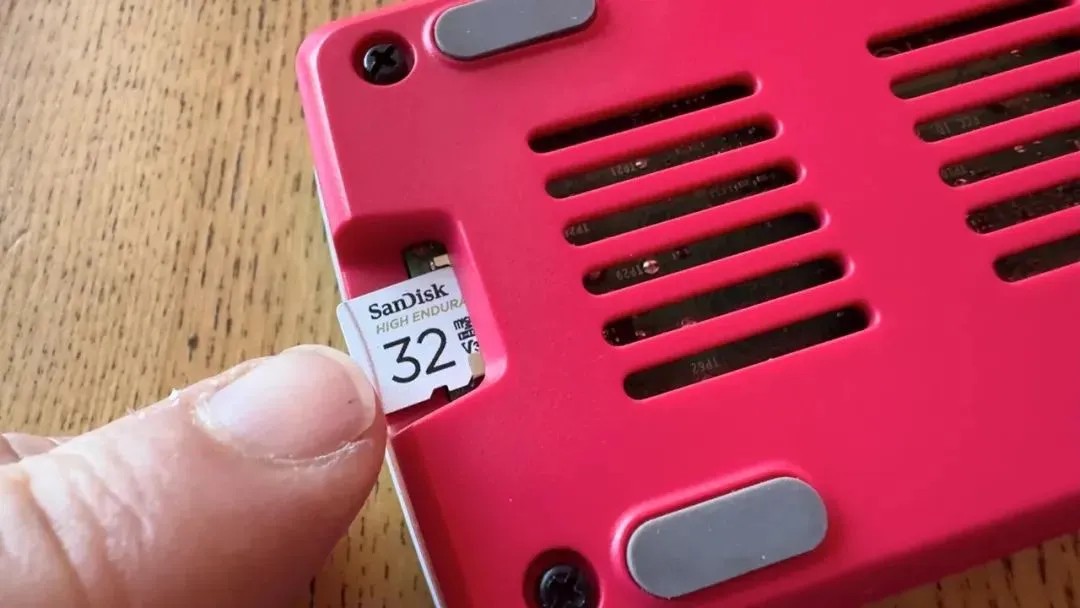
Insert a microSD card with the latest Raspberry Pi operating system. — Adrian Kingsley-Hughes/ZDNET
During boot, install the necessary dependencies for the Hailo chip, including drivers, firmware, middleware, and postprocessing libraries. Although this may sound complex, it can be completed with a single command in a terminal:
sudo apt install hailo-all