ALLPCB


Overview
The Vive Tracker is scheduled to launch in Q2 this year. HTC plans to distribute 1,000 Vive Trackers free to developers to help seed a peripheral ecosystem and support related content development. The developer documentation reveals additional technical details about the tracker.
The documentation also discloses information on the types of data the tracker transmits wirelessly to the computer and the presence of an additional software dongle required for device tracking.
Data, Pins, and Interfaces
The documentation clarifies what data the tracker can send to the host PC via the Pogo pins and the USB interface. Using the six Pogo pins on the bottom, peripherals connected to the tracker can emulate the same controls as Vive controllers, enabling peripherals to send inputs such as trigger pulls and button presses, primarily for in-game shooting and reloading actions.
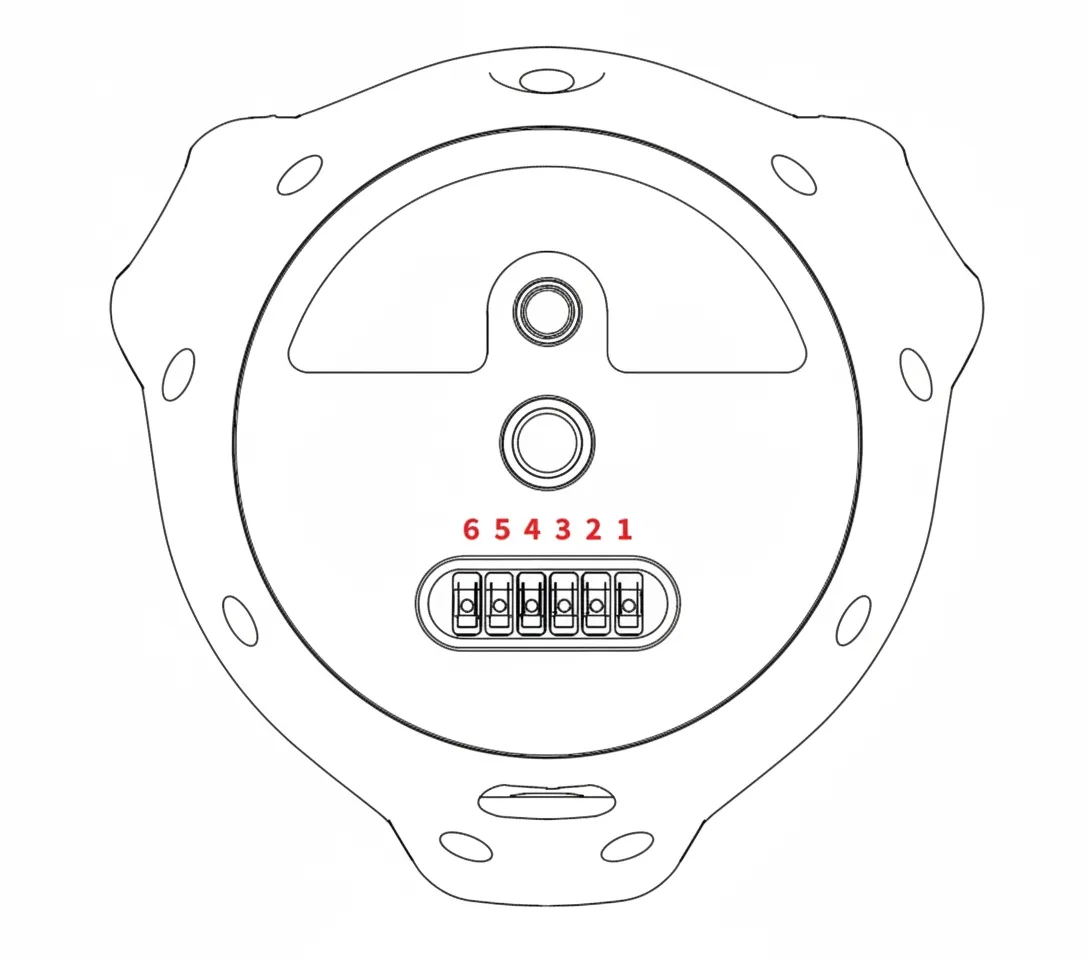
Any input emulation available on the Vive controller appears to be supported, including sending X and Y coordinates to simulate finger position on the trackpad and various trigger pressure levels. The tracker can also receive and forward vibration commands from the computer to activate haptic feedback on third-party peripherals.
Arbitrary data beyond Vive controller inputs can be transmitted via the MicroUSB connection for specialized uses.
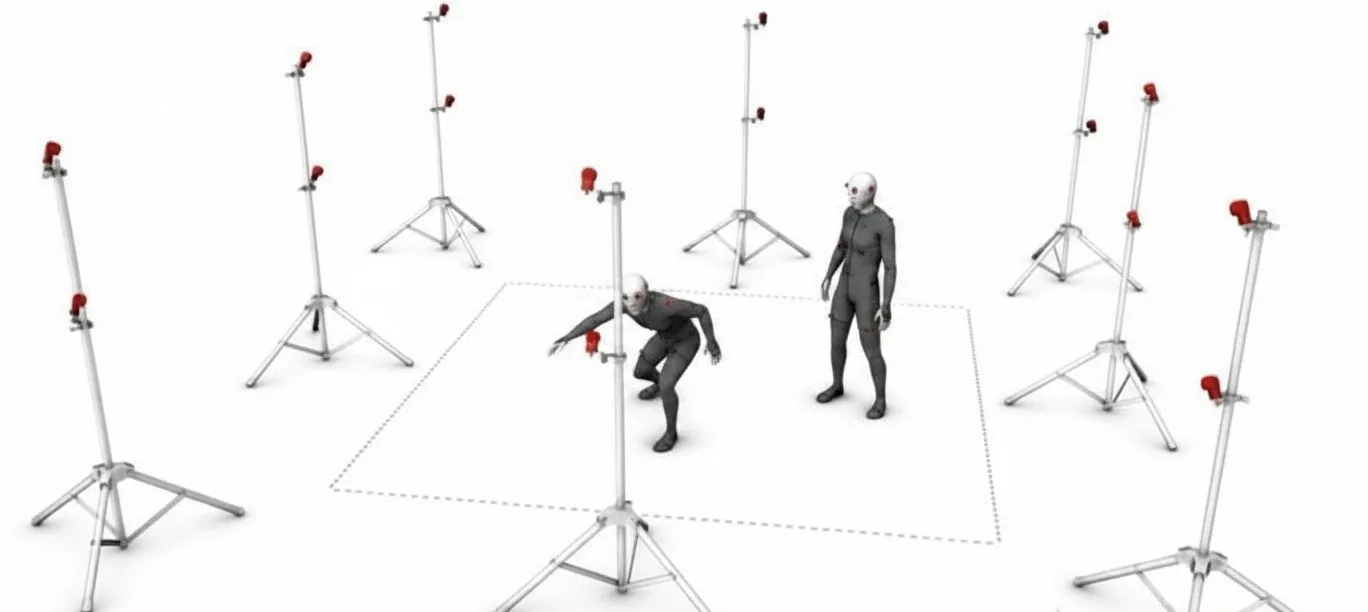
The Vive Tracker connects wirelessly to the Vive headset, and data is routed over the headset's cable to the computer, and vice versa. However, the tracker does not use the same wireless channel as the headset; it transmits tracking data and peripheral I/O via a wireless USB 2.0 dongle.
Mounting, Antenna, and Field of View
To allow the dongle to operate at maximum throughput and avoid data loss that could cause tracking issues, the developer documentation states that peripheral manufacturers should avoid placing any unnecessary metal within 30 mm of the tracker's antenna, as highlighted in the image.
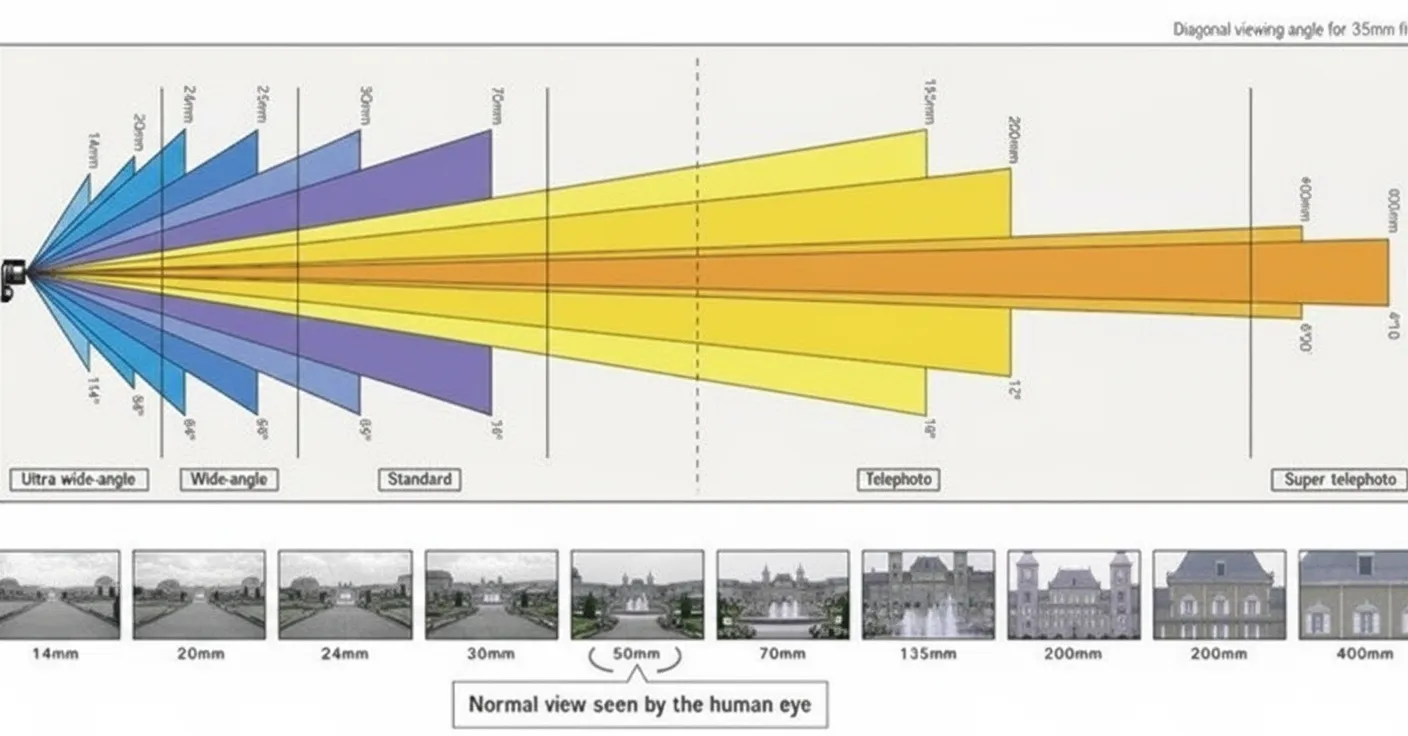
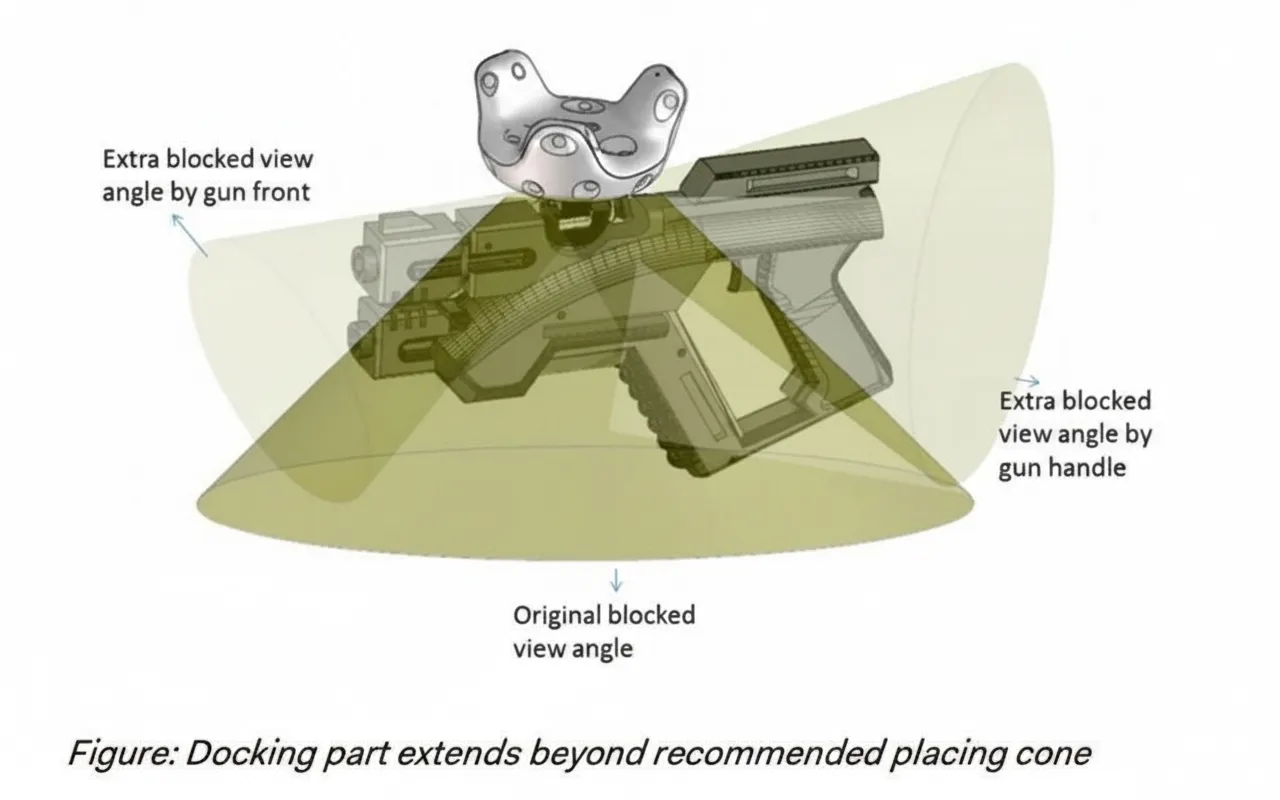
The document notes the tracker has a 270 degree field of view for sensing SteamVR tracking basestations. The "bottom" of the device contains no sensors to allow for peripheral mounting. To avoid blocking the tracker's field of view, peripheral overhangs should be kept out of blind spots where possible.
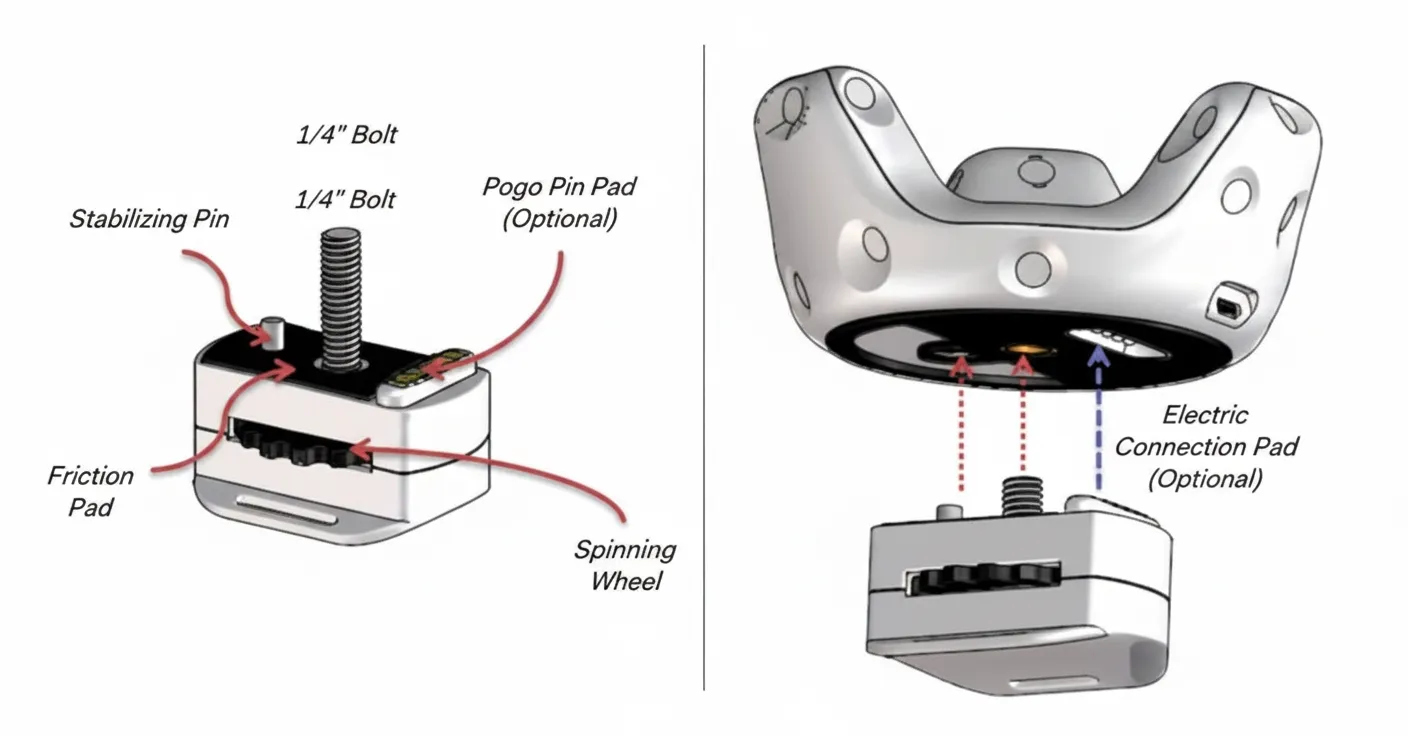
The documentation also advises that peripherals should be constructed from non-reflective materials to maintain maximum tracking reliability, presumably to avoid reflections of tracking lasers that could cause device malfunction or affect the headset.
Safety and Additional Details
The documentation includes a safety note: "Users should not be injured when attaching or removing the tracker." Peripheral designers are warned to avoid designs that could cause user injury.