ALLPCB


Introduction
In recent years, virtual reality technology has made significant progress. As a new platform, VR developers face a variety of challenges. Based on development experience, this article shares practical tips across three areas: Vive devices, general VR development, and higher-level VR concepts.
Vive Device Tips
-
Require users to press a start button. This ensures:
- The user has the headset on and is ready for the experience.
- At least one controller is ready.
- Objects are placed at appropriate heights for users (near the user but at a reasonable distance from the head).
- The button is bound to a primary controller (left or right). If controllers have different roles, use this button for the primary controller.
-
Some buttons should be made quicker and easier to use than others, such as the primary controller button. Keep button usage simple. Based on gaming and everyday use experience, recommended priority is:
- Trigger
- Single-button touchpad
- 3D world interactions (for example, a 3D button on the controller)
- Menu button
- Four-button touchpad
- Grip buttons (avoid using these unless necessary)
- Set a recommended play area. A target size of 2 m by 1.5 m or smaller will cover about 81% of users. This provides a useful guideline for capturing as many users as possible. Details of current user data are available.
- Advise users not to hold controllers or headsets too close to each other. At times users may hit nearby objects, which can damage equipment.
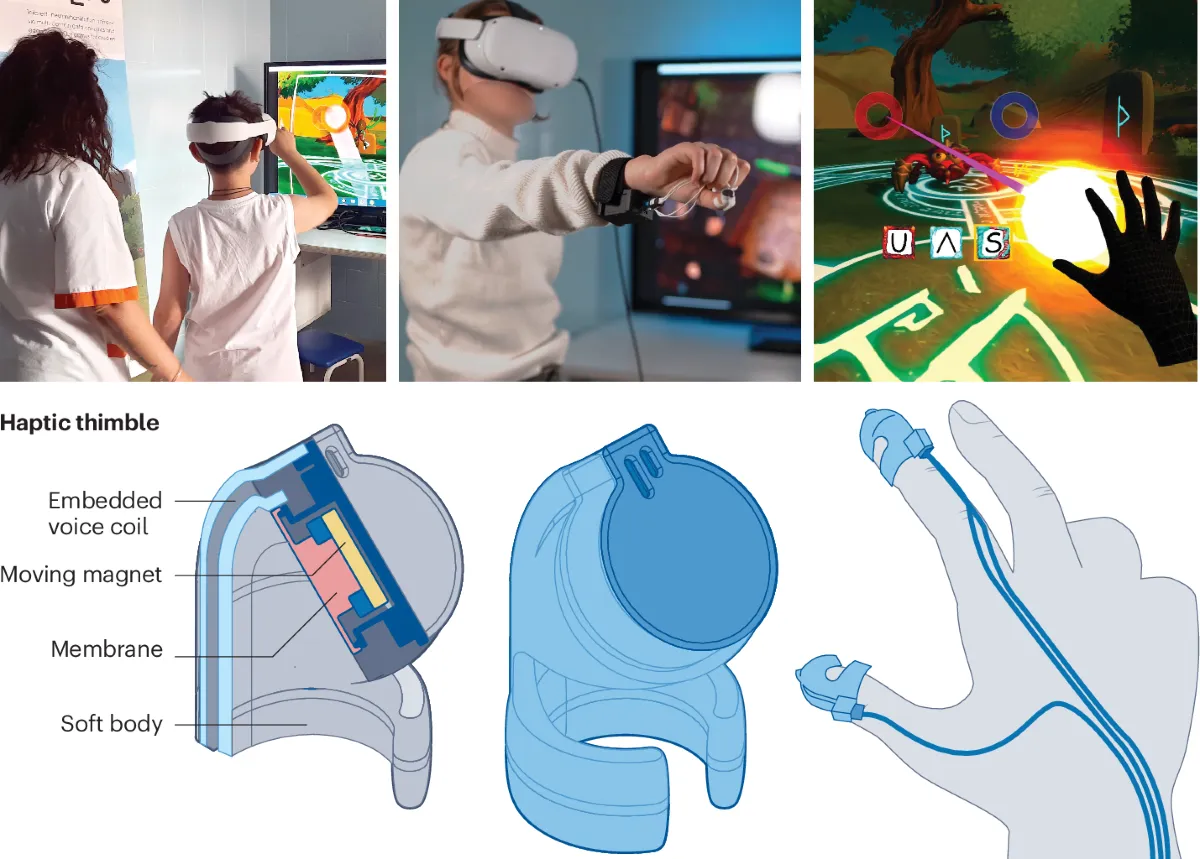
- Use controller vibration to increase presence while users interact with the virtual world. For example, scale vibration with movement speed based on the room-scale settings.
-
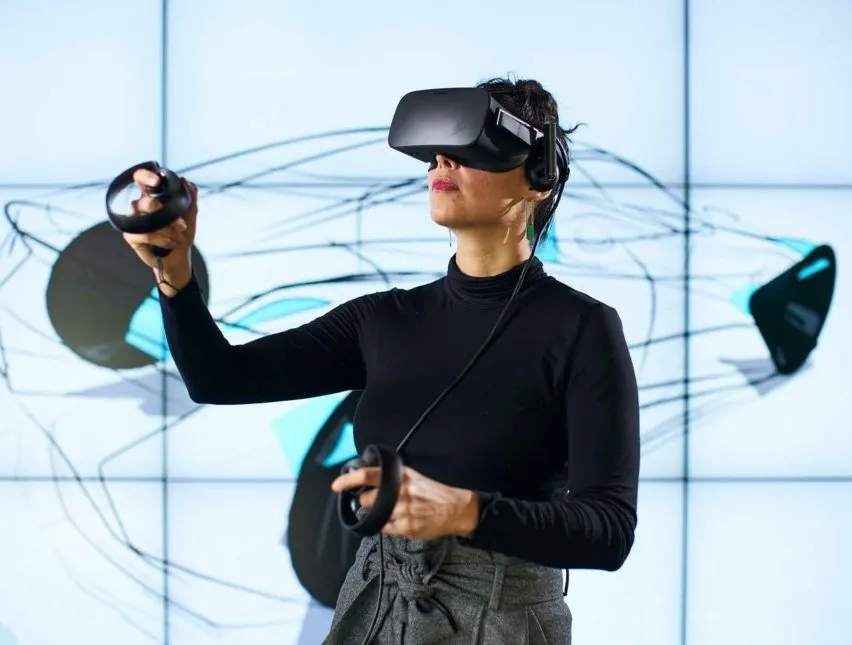
Many users cannot see their controllers. Three main approaches to address this are:
- Add a row of buttons or render text in the user's view. Fix a side view so that when a controller exits the view, the user must look toward the text center. If they cannot see the controller, this can expand to show the controller as an icon that they can use to interact with the world.
- Place text in front of the user instructing them to look at the controller.
- Add an audio cue to inform the user to look at the controller when highlighting a specific button.
General VR Development Tips
- Frame rate is critical. Maintaining high frame rates is far more important in VR than in other contexts. If added content drops the frame rate below 90 fps, reconsider its importance. Use a reasonable minimum hardware baseline (for example a mid-range GPU) to ensure a minimum of 90 fps.
- Be cautious with screen-space effects. Lens flares or bloom that look acceptable on a monitor can break realism in VR. Prioritize realism over what merely looks "good" on a 2D display. General guidance on effect importance:
- Antialiasing
- Color correction
- Bloom
- Screen-space ambient occlusion (usually avoid due to high cost)
- Design all UI for the narrative space. Device resolution supports 3D reading, but ensure fonts are large enough. Some users cannot wear their own glasses in VR, so make text comfortably readable. Adding UI to the controller allows users to adjust text size and place the interface at a readable distance.
- Use audio where possible. While UI visuals work well, audio often improves usability because users can listen while performing other tasks.
- When transporting or teleporting users, hide transitions in darkness. Briefly setting the scene to full black for a short time (about 0.2 seconds) can help the brain transition.
- Maintain a minimum distance between objects and the user. Very close viewing can cause discomfort or confusion for the user's avatar. Rather than abruptly removing VR, consider introducing a Z-plane to transition the user. Always respect the user's personal space.
- Pay attention to object detail. If a user selects and approaches an object, they will naturally notice detail. Beyond model quality, texture detail is most important.
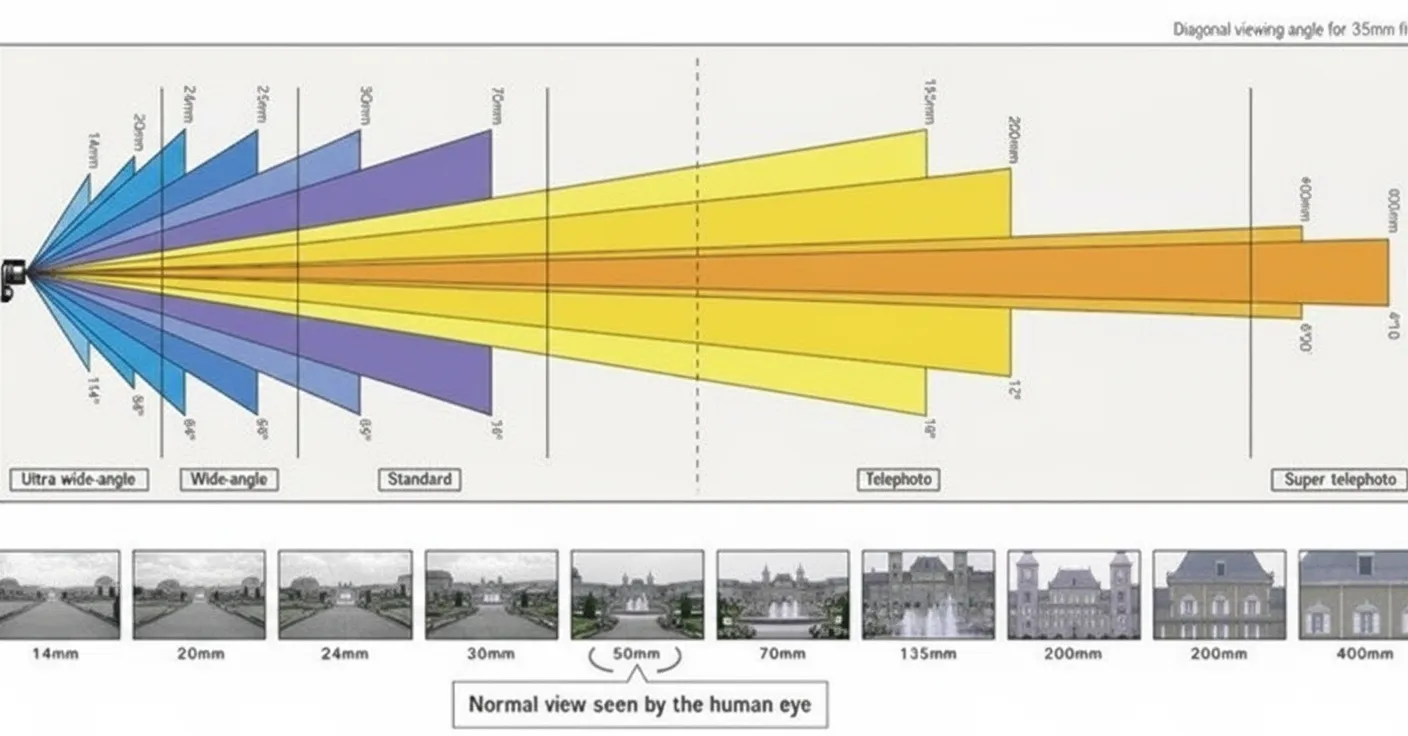
- Observing objects in VR with one eye closed can be effective. Fixed-field views and scoped views (for weapons, binoculars, microscopes, etc.) are highly effective.
- Do not lock objects rigidly relative to the user. Maintain rotational locking when needed, and allow locking on one, two, or three axes as appropriate.